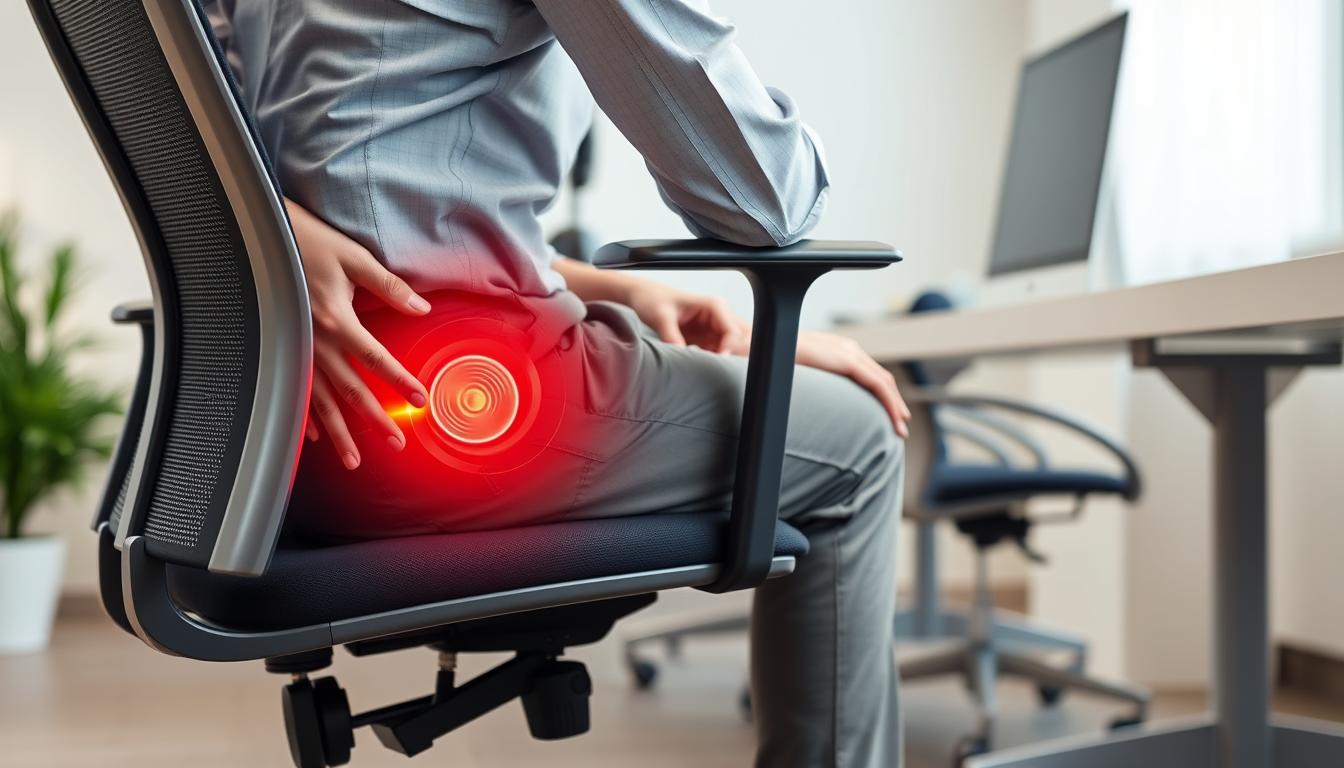
If you’re experiencing knee pain while sitting at your desk, you’re not alone. The modern workplace often requires long hours of sitting, which can lead to significant discomfort in your knees. This pain isn’t just an annoyance—it can impact your productivity, focus, and overall well-being. In this guide, we’ll explore why office chairs cause knee pain and provide practical, ergonomic solutions to help you work comfortably and protect your joint health.
Why Office Chairs Cause Knee Pain
Understanding the root causes of knee pain when sitting is the first step toward finding effective solutions. Several factors contribute to this common problem among office workers:
Prolonged Static Sitting
When you sit for extended periods without movement, blood circulation to your lower extremities becomes restricted. This reduced blood flow can cause stiffness and pain in your knee joints. According to health experts, sitting for more than 6-8 hours daily can significantly impact your joint health and mobility.
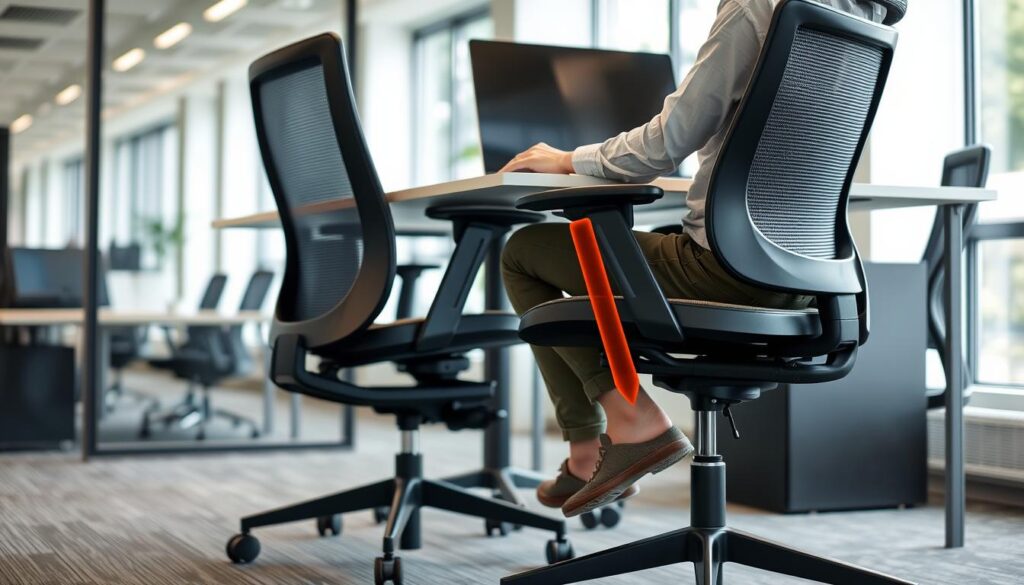
Incorrect Seat Height
A chair that’s too high or too low forces your knees into unnatural positions. When your chair is too high, your feet may dangle, creating pressure on the underside of your thighs. Conversely, a chair that’s too low causes your knees to bend at an angle greater than 90 degrees, increasing pressure on your knee joints.
Poor Posture and Alignment
Slouching or sitting with crossed legs disrupts the natural alignment of your spine and places uneven pressure on your knees. This misalignment can lead to patellofemoral pain syndrome, commonly known as “runner’s knee,” which causes pain around or behind the kneecap.
Inadequate Chair Support
Office chairs lacking proper ergonomic features fail to distribute your body weight evenly. Hard seat edges can press against the back of your knees, restricting blood flow and causing discomfort. Without proper lumbar support, your entire sitting position is compromised, affecting your knees.
Did You Know? According to research, maintaining a static sitting position for more than 30 minutes can begin to cause discomfort in your joints, including your knees. Taking brief movement breaks every half hour can significantly reduce this risk.
5 Actionable Ergonomic Adjustments to Prevent Knee Pain
Making proper ergonomic adjustments to your workspace can dramatically reduce knee pain. Here are five practical changes you can implement today:
1. Optimize Your Seat Height
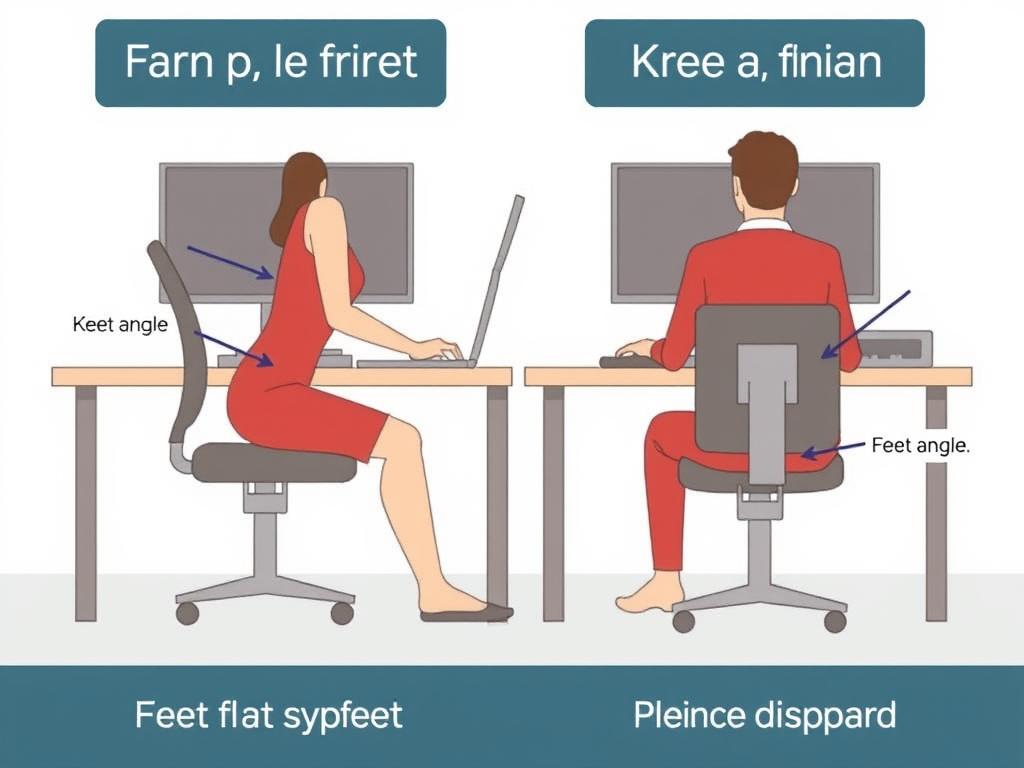
Adjusting your chair to the proper height is crucial for knee health. Your feet should rest flat on the floor with your knees bent at approximately 90 degrees. This position minimizes pressure on your knee joints and promotes better circulation.
2. Implement Proper Lumbar Support
Though it may seem unrelated, proper lumbar support directly affects knee positioning. When your lower back is properly supported, your entire sitting posture improves, reducing strain on your knees.
3. Use a Footrest for Optimal Leg Positioning
A footrest can dramatically improve knee comfort by ensuring proper leg alignment and reducing pressure on your knee joints.
Ergonomic Footrest Recommendation
The ErgoFoam Adjustable Footrest provides optimal support for proper knee alignment, helping reduce pressure and pain while sitting for long periods.
4. Adjust Your Seat Depth
Proper seat depth ensures that pressure is distributed evenly across your thighs, preventing compression at the back of your knees.
5. Maintain Neutral Leg Position
How you position your legs while sitting significantly impacts knee health. Avoid positions that place uneven pressure on your knee joints.

3 Essential Chair Features That Reduce Knee Strain
When shopping for an ergonomic office chair, look for these specific features that can significantly reduce knee pain:

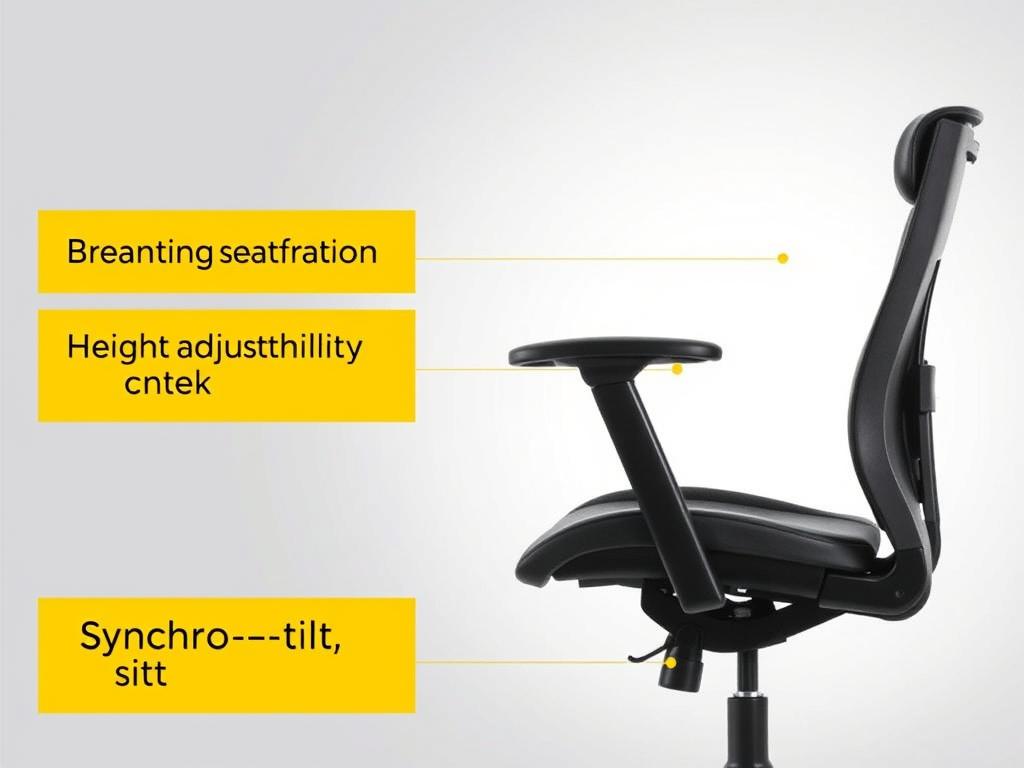
1. Waterfall Seat Edge
A waterfall seat edge features a gentle downward curve at the front of the seat. This design reduces pressure on the back of your thighs and knees, promoting better circulation and reducing discomfort.
2. Multi-Adjustment Mechanisms
Chairs with multiple adjustment points allow you to customize the sitting experience to your body’s unique needs, significantly reducing knee strain.
3. Synchronized Tilt Mechanism
A quality tilt mechanism allows your chair to move with your body, reducing static pressure on your knees and promoting healthy movement throughout the day.
Recommended Ergonomic Chair
The Steelcase Gesture Chair features all three knee-friendly elements: waterfall seat edge, multi-adjustment capabilities, and a responsive tilt mechanism to minimize knee pain.
3 Quick Desk Exercises to Relieve Knee Tension
Even with the perfect ergonomic setup, your knees benefit from regular movement. These simple exercises can be performed right at your desk to relieve knee tension and improve circulation:
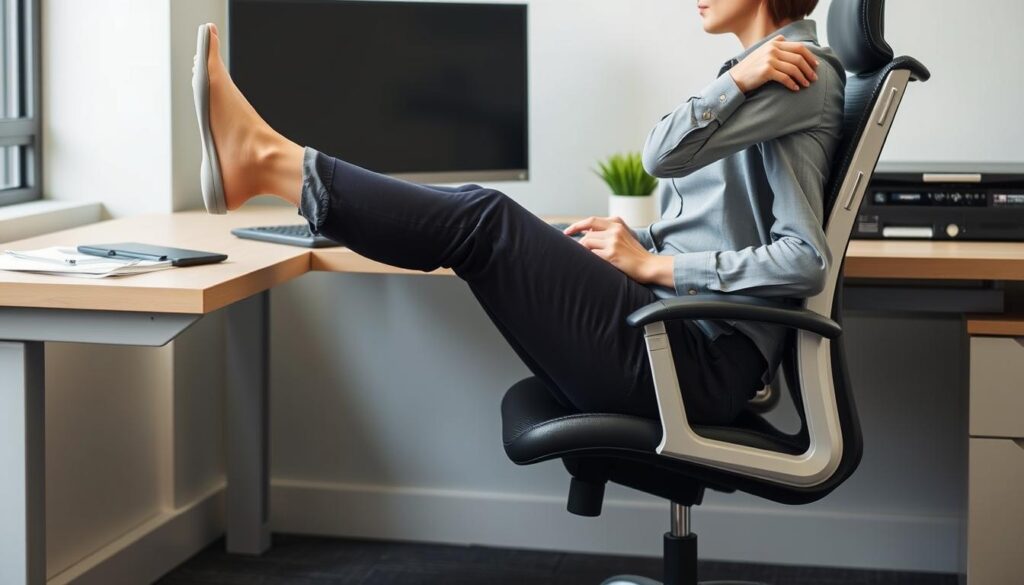
1. Seated Knee Extensions
This exercise strengthens the quadriceps muscles that support your knees while improving circulation to the joint.
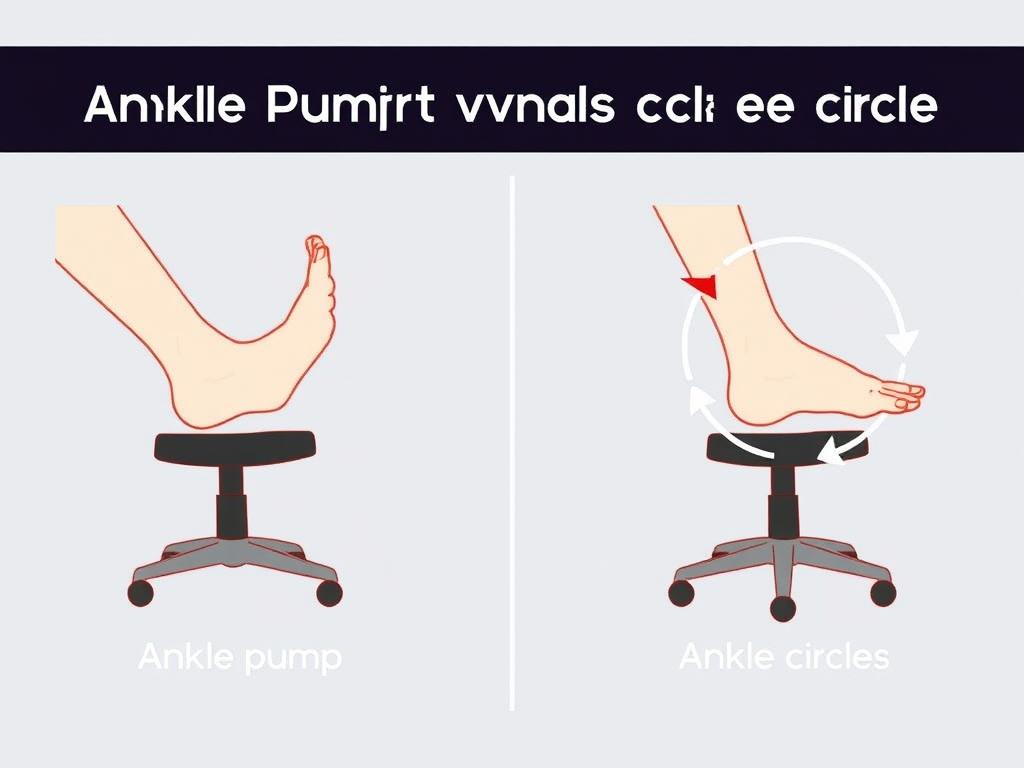
2. Ankle Pumps and Circles
These subtle movements improve blood flow to your lower legs and knees without requiring you to leave your chair.
3. Seated Hamstring Stretch
Tight hamstrings can contribute to knee pain. This stretch helps maintain flexibility in the muscles supporting your knee joint.
Pro Tip: Set a timer to remind yourself to perform these exercises every 60-90 minutes. Consistent movement throughout the day is more effective than a single longer session of exercises.
Affordable Ergonomic Chairs with Knee-Friendly Designs
Investing in the right chair can make a significant difference in preventing and alleviating knee pain. Here are three affordable options with features specifically beneficial for knee health:

SIHOO Ergonomic Office Chair
The SIHOO Ergonomic Office Chair features a waterfall seat edge that reduces pressure on the back of your knees. Its multiple adjustment points allow for personalized positioning to maintain proper knee alignment.
Pros
- Breathable mesh back prevents overheating
- Adjustable lumbar support for proper posture
- Waterfall seat edge reduces knee pressure
- 90°-120° tilt range for movement
Cons
- Assembly can be challenging
- Armrests have limited adjustment
- May not suit very tall individuals
HON Ignition 2.0 Ergonomic Chair
The HON Ignition 2.0 features a contoured seat cushion that distributes weight evenly, reducing pressure points that can cause knee pain. Its synchro-tilt mechanism encourages movement throughout the day.
Pros
- Contoured seat reduces pressure points
- Synchro-tilt mechanism for dynamic sitting
- Adjustable seat depth for proper knee positioning
- Durable construction with 5-year warranty
Cons
- Firmer seat cushion may not suit everyone
- Higher price point than basic models
- Limited color options
Additional Knee Support Accessories
For immediate relief while you research chair options, consider these affordable accessories that can improve your current setup:
Long-Term Prevention Strategies for Office Chair Knee Pain
Beyond immediate fixes, these strategies can help prevent knee pain from returning:

Implement the 30-30-30 Rule
This simple rule can dramatically reduce knee strain throughout your workday:
Consider a Sit-Stand Desk
Alternating between sitting and standing positions throughout the day reduces continuous pressure on your knees and improves overall circulation.
Affordable Sit-Stand Solution
The FLEXISPOT Height Adjustable Desk Converter allows you to transform your existing desk into a sit-stand workstation without a complete replacement.
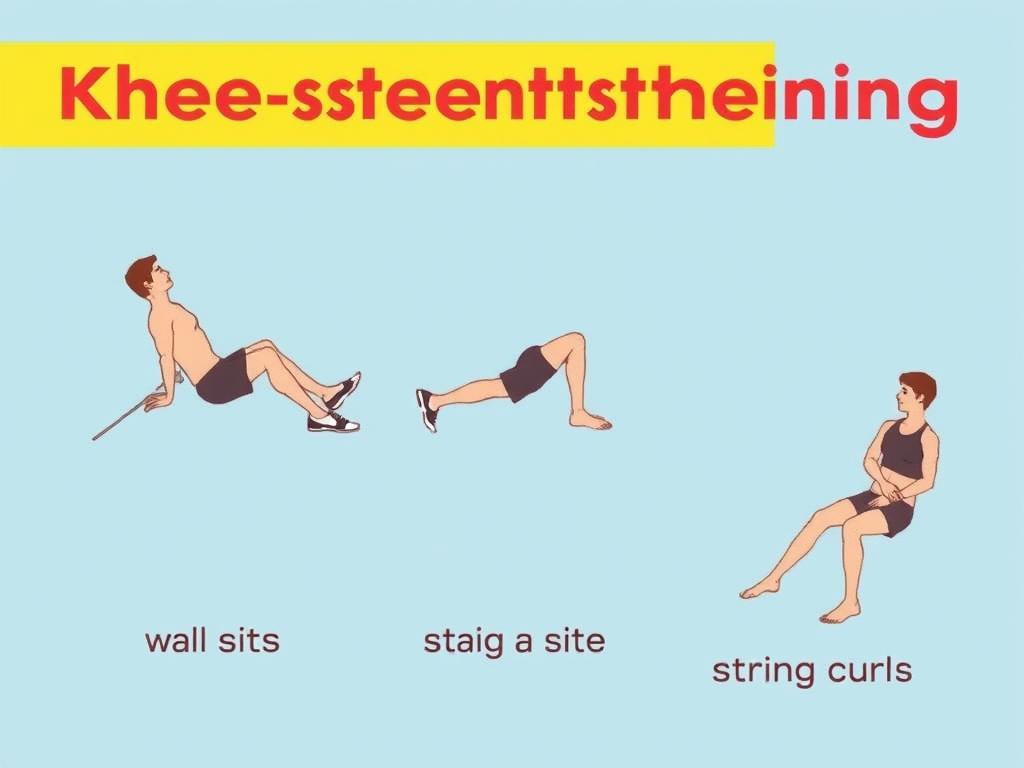
Strengthen Supporting Muscles
Strong quadriceps, hamstrings, and core muscles provide better support for your knees. Consider these simple strengthening exercises you can do at home:
Taking Action Against Office Chair Knee Pain
Knee pain from sitting doesn’t have to be an inevitable part of office work. By implementing the ergonomic adjustments, exercises, and product recommendations in this guide, you can significantly reduce discomfort and prevent future issues.
Remember that small changes can make a big difference. Start with optimizing your current setup through proper height adjustments and regular movement breaks. Then consider investing in ergonomic accessories or a new chair designed to support healthy knee positioning.
Your knees support you throughout your life—taking steps to protect them now will pay dividends in your long-term comfort, mobility, and productivity.
Start Your Ergonomic Journey Today
Begin with one simple change from this guide, then gradually implement more solutions as you notice improvement. Your knees will thank you!