Knee-Friendly Home Office Setup Essentials
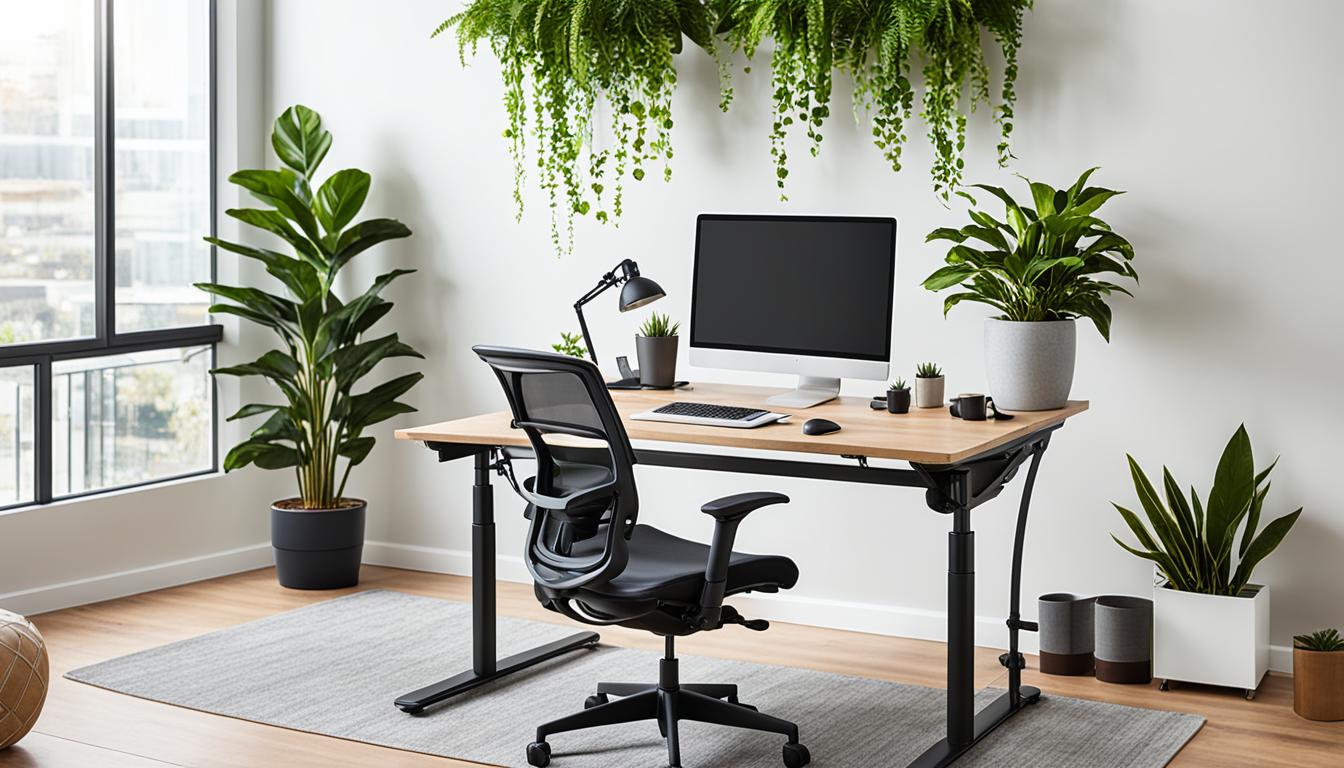
When it comes to creating a knee-friendly home office setup, there are several key elements to consider. By incorporating ergonomic office furniture and making adjustments to your workspace, you can enhance your comfort and productivity during long work hours.
One of the most important aspects of a knee-friendly home office is using ergonomic office furniture. An adjustable desk allows you to find the perfect sitting or standing position, reducing strain on your knees. Pair it with an office chair with lumbar support to maintain proper posture and minimize discomfort. Alternatively, a standing desk can provide relief from prolonged sitting and help alleviate knee pressure.
Investing in ergonomic accessories can also contribute to a knee-friendly workspace. An ergonomic keyboard promotes natural hand and wrist positioning, reducing the risk of strain and injury. Adjusting the monitor height to eye level and using a footrest for your office chair can further optimize your posture and alleviate knee strain. It’s crucial to set a proper desk height that allows your arms to remain parallel to the floor when typing. Additionally, using an ergonomic mouse can minimize wrist and hand discomfort.
Key Takeaways:
- Choose ergonomic office furniture like an adjustable desk and an office chair with lumbar support.
- Incorporate a standing desk to reduce strain on your knees.
- Use an ergonomic keyboard and an ergonomic mouse to optimize your hand and wrist positioning.
- Adjust the monitor height and use a footrest to promote proper posture.
- Ensure your desk height allows for parallel arms when typing.
The Importance of Lighting, Plants, Temperature, and Noise in Your Workspace
Creating a knee-friendly home office is not just about furniture and equipment. We also need to consider other factors that can significantly impact our comfort and productivity. These factors include lighting, plants, temperature, and noise.
Lighting
Having adequate lighting is crucial for creating a conducive workspace. Proper lighting can improve our mood, increase our focus, and reduce eye strain. Whether it’s natural light or simulated daylight, ensuring that our workspace is well-lit can make a significant difference in our productivity and well-being.
Indoor Plants
Adding indoor plants to our workspace can have several benefits. Plants not only enhance the aesthetics of our office but also contribute to our overall well-being. Studies have shown that having plants indoors can help reduce stress, improve air quality, and increase our attention span. Consider adding some greenery to your workspace to create a more peaceful and productive environment.
Temperature
Maintaining a comfortable temperature in our home office is essential for our comfort and concentration. The ideal temperature range is typically between 71.6 to 75.2°F (22 to 24°C). Ensuring that the temperature is neither too hot nor too cold can help us feel more comfortable and focused during our work hours.
Noise
Noise can be a major distraction when working from home. Whether it’s the sound of traffic, construction, or other household members, unwanted noise can disrupt our concentration. Investing in noise-canceling headphones or using ambient noise, such as white noise or soft music, can help create a quieter and more conducive work environment.
By paying attention to lighting, plants, temperature, and noise, we can create a home office environment that promotes our productivity, well-being, and overall satisfaction.
How to Create an Ergonomic Desk Setup
Creating an ergonomic desk setup is essential for maintaining a comfortable and efficient workspace. By considering factors such as the right ergonomic chair, desk height, monitor height, keyboard tray, and desk calculator, you can optimize your setup for improved productivity and reduced physical strain.
Choose an Ergonomic Chair
Start by selecting an ergonomic chair that provides proper lumbar support and allows for comfortable sitting with your knees at or slightly below hip level. This helps promote good posture and reduces the risk of knee discomfort or strain during long work hours.
Set the Correct Desk Height
Position the top of your desk at a height that allows your arms to remain parallel to the floor when typing. This ensures that your wrists and hands are in a neutral position, minimizing the risk of repetitive strain injuries and promoting overall comfort.
Adjust Monitor Height
Place your monitor at arm’s length, with the top line of the screen at or below eye level. This positioning helps prevent neck strain and reduces eye fatigue. Consider using a monitor stand or adjustable monitor arm to achieve the desired height.
Utilize a Keyboard Tray
A keyboard tray can be a valuable addition to your ergonomic desk setup. It allows for proper alignment of your arms and hands, reducing the risk of wrist pain or discomfort. Ensure that the keyboard tray is at a height where your elbows are at a 90-degree angle when typing.
Include a Desk Calculator
An often overlooked but important accessory for an ergonomic desk setup is a desk calculator. Placing it within easy reach helps minimize unnecessary strain and movement while performing calculations or inputting data.
By following these guidelines and investing in ergonomic furniture and accessories, you can create a desk setup that prioritizes your comfort and reduces the risk of knee-related issues. Take the time to adjust and fine-tune your workspace to cater to your specific needs, and enjoy the benefits of a productive and knee-friendly work environment.
A Sample Table for Desk Setup Accessories:
| Accessory | Description | Benefits |
|---|---|---|
| Ergonomic Mouse Pad | A mouse pad with wrist support that promotes proper alignment of the hand and wrist. | Reduces strain on the wrist and forearm muscles, minimizing the risk of repetitive strain injuries. |
| Wrist Rest | A cushioned support for the wrists, placed in front of the keyboard, providing comfort during typing. | Helps maintain a neutral wrist position, preventing discomfort and potential injuries. |
| Cable Management | Organizational solutions for managing cables and wires, keeping them neatly arranged and out of the way. | Reduces clutter, prevents tripping hazards, and promotes a clean and organized workspace. |
Finding the Right Office Accessories for a Knee-Friendly Home Office
In addition to the essentials mentioned earlier, incorporating the right office accessories can further enhance the knee-friendliness of your home office setup. These accessories not only improve functionality but also contribute to a more comfortable and ergonomic workspace.
Ergonomic Mouse Pad
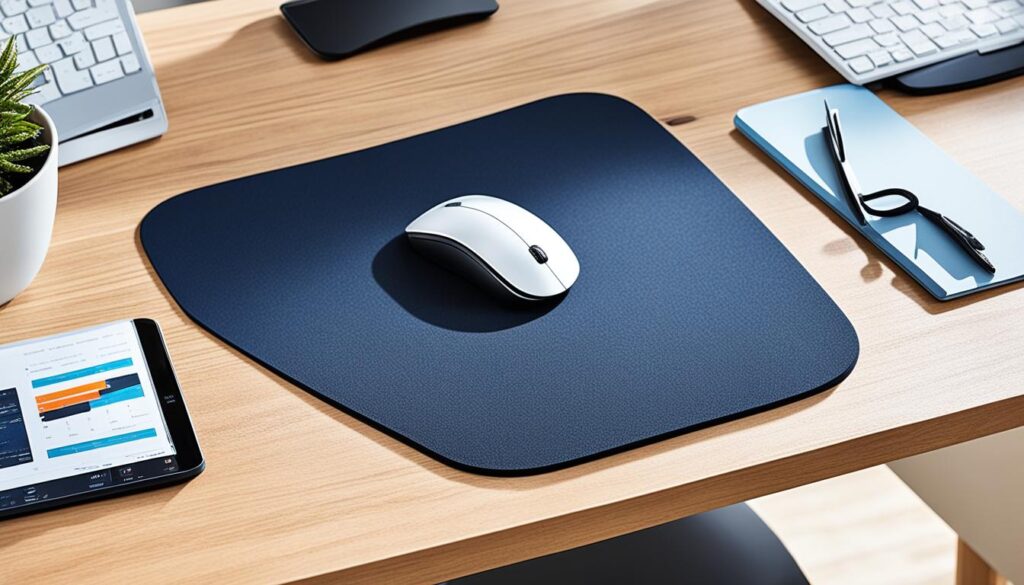
An ergonomic mouse pad is designed to provide proper wrist support and positioning while using a computer mouse. It offers cushioning and a soft surface that reduces strain on the wrists and promotes a more natural hand position. By using an ergonomic mouse pad, you can prevent wrist fatigue and discomfort during long hours of work.
Wrist Rest
A wrist rest is another important accessory that can alleviate strain on the wrists and help maintain a neutral hand position while typing. It provides support to the wrists, reducing the risk of developing repetitive strain injuries. Wrist rests are available in various sizes and materials, allowing you to choose the one that suits your specific needs and preferences.
Cable Management
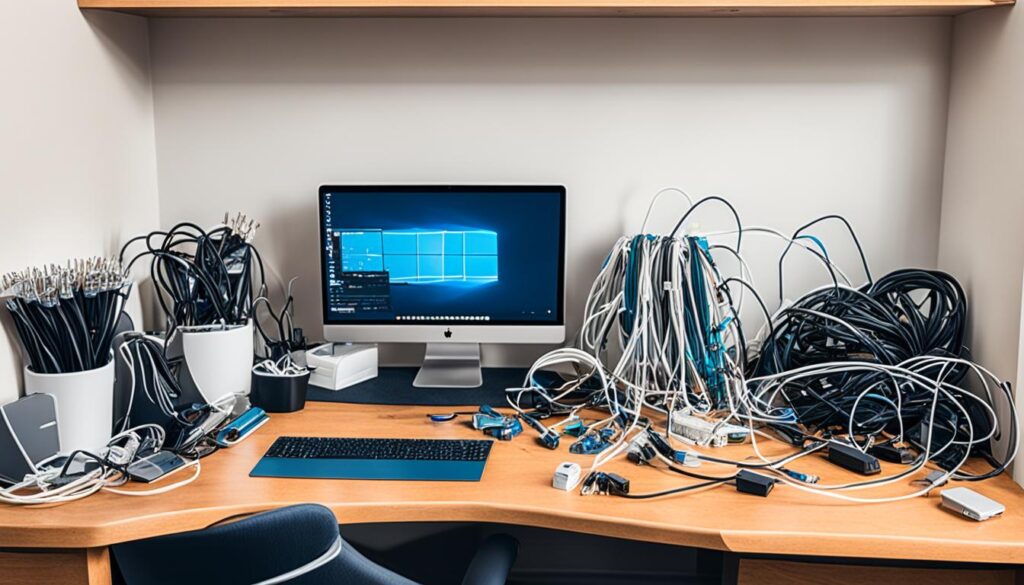
Implementing effective cable management solutions is crucial for maintaining a neat and organized workspace. Excessive cables and wires not only create visual clutter but also pose a tripping hazard. By keeping your cables organized and out of the way, you can improve safety and create a more efficient and pleasant working environment. Consider using cable clips, cable sleeves, or cable trays to manage and hide the cables on and around your desk.
By investing in these office accessories, you can enhance the ergonomic qualities of your home office and reduce the strain on your knees, wrists, and overall body. Remember to choose accessories that promote proper ergonomics and support a comfortable working environment.
Conclusion
Creating an ergonomic home office setup is crucial for achieving a knee-friendly workspace that promotes productivity and ensures your comfort throughout long work hours. By incorporating ergonomic office furniture, adjusting lighting and temperature, and strategically placing accessories, you can optimize your work environment to support good posture and alleviate strain on your knees.
Prioritizing ergonomics in your home office setup not only benefits your physical well-being but also greatly improves your overall work experience. Investing in the right equipment, such as an adjustable desk and an office chair with lumbar support, can make a significant difference in reducing discomfort and enhancing productivity.
Additionally, be mindful of the lighting in your workspace, whether it’s natural or simulated daylight, to enhance your mood and concentration. Incorporating indoor plants can help alleviate fatigue and improve your attention span. Maintaining a comfortable temperature and using noise-canceling headphones or ambient noise can also contribute to a more focused and productive work environment.
Remember, a knee-friendly home office setup is not complete without the right accessories. Consider using an ergonomic mouse pad and wrist rest to reduce strain on your wrists. Implement effective cable management solutions to keep your workspace organized and free from hazards.
By following these guidelines and making necessary adjustments, you can create a knee-friendly workspace that fosters productivity, comfort, and overall well-being. Take the time to optimize your home office setup and reap the benefits of a healthier and more efficient work environment.
FAQ
What is a knee-friendly home office setup?
A knee-friendly home office setup is one that considers the ergonomics of the workspace to reduce strain on the knees. It includes using ergonomic office furniture such as an adjustable desk and an office chair with lumbar support. Other factors such as proper desk and monitor height, an ergonomic keyboard and mouse, and accessories like a footrest can also contribute to a knee-friendly workspace.
Why is lighting important in a home office?
Adequate lighting is important in a home office to improve your mood and focus. It is recommended to have either natural or simulated daylight as your primary light source. Good lighting can help prevent eye strain and promote a comfortable working environment.
How can indoor plants benefit my home office?
Indoor plants can benefit your home office by improving air quality and reducing fatigue during attention-demanding work. They can also create a calming and visually appealing atmosphere, contributing to a more pleasant and productive workspace.
What is the ideal temperature for a home office?
The ideal temperature for a home office is between 71.6 to 75.2°F (22 to 24°C). Maintaining a comfortable temperature can help you stay focused and prevent distraction from extreme heat or cold.
How can noise impact my home office environment?
Noise can be distracting and negatively impact your productivity. Using noise-canceling headphones or ambient noise can help drown out distractions and improve concentration in your home office.
What factors should I consider when creating an ergonomic desk setup?
When creating an ergonomic desk setup, you should consider using an ergonomic chair with lumbar support, positioning your desk at a height that allows for comfortable sitting with knees at or slightly below hip level, and adjusting the monitor height to ensure the top line of the screen is at or below eye level. Using a keyboard tray or desk calculator can also help maintain proper ergonomic positioning.
How can office accessories contribute to a knee-friendly home office?
Office accessories such as ergonomic mouse pads and wrist rests can help reduce strain on the wrists and promote better ergonomics. Implementing effective cable management solutions can also help keep your workspace neat and prevent tripping hazards, contributing to a safer and more comfortable knee-friendly home office setup.